Find rules, compare editions and keep mobile rulebooks ready offline.
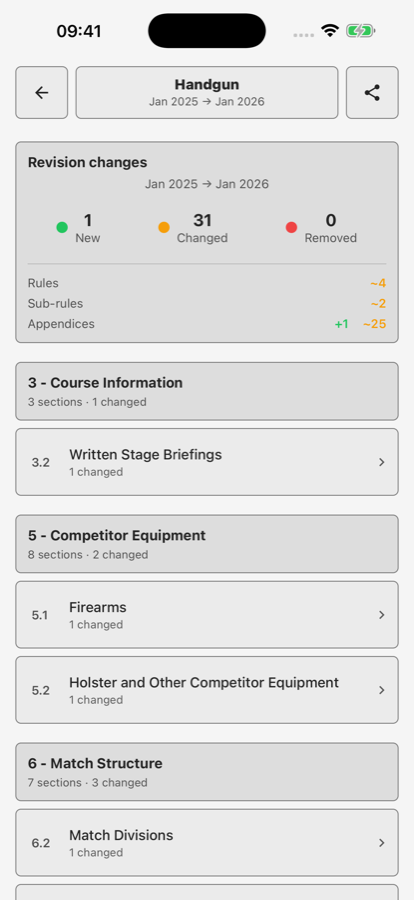
See additions and changes between rulebook editions.
Choose an available discipline and revision. Search rules, sections, appendices and glossary entries; follow linked references and save useful rules to favourites.
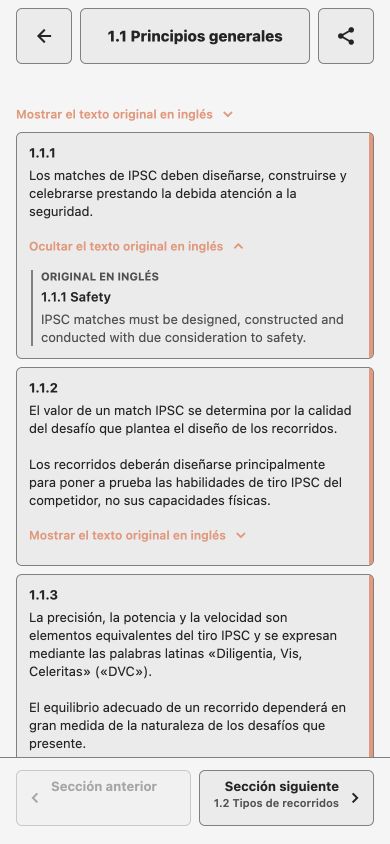
Read translated editions in Spanish, Portuguese (Brazil), French and German. The app opens rules in your selected language where a matching edition is available, with English source text accessible in rule details. Translation availability varies by discipline and edition.
Downloaded mobile editions remain available offline. The web app streams rules. Compare two available editions to inspect additions, changes and removals.
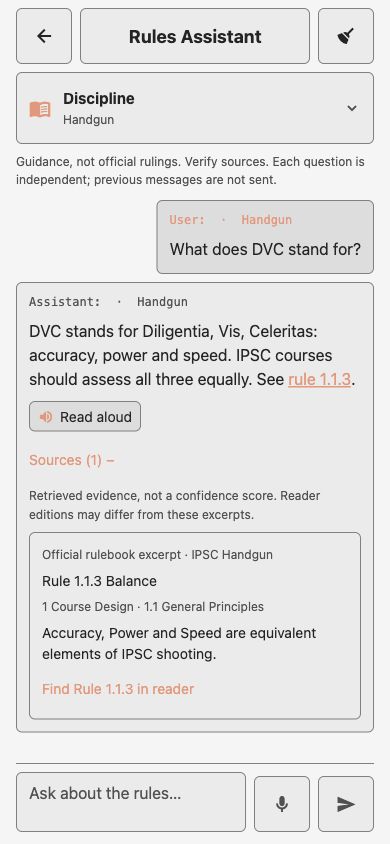
Ask a question. Follow the cited rule. Sign-in required; available where enabled.
Example conversation with the cited rule expanded.
Ask questions about IPSC rules in everyday language. Choose a discipline and follow cited rules back to the rulebook to check the detail behind an answer.
Speak a question into an editable draft, check it before sending, or listen to answers with read aloud. In Account → Assistant Voice, choose an available English voice and adjust its pace and tone. Voice choices stay on this device; dictation and read aloud depend on device and browser support.
Requires sign-in; the Assistant is in early testing and available where enabled. Check the cited rulebook text when using an answer.
03 / MATCH ANALYSIS
Look at the result behind the rank.
Understand match and stage performance. Requires sign-in.
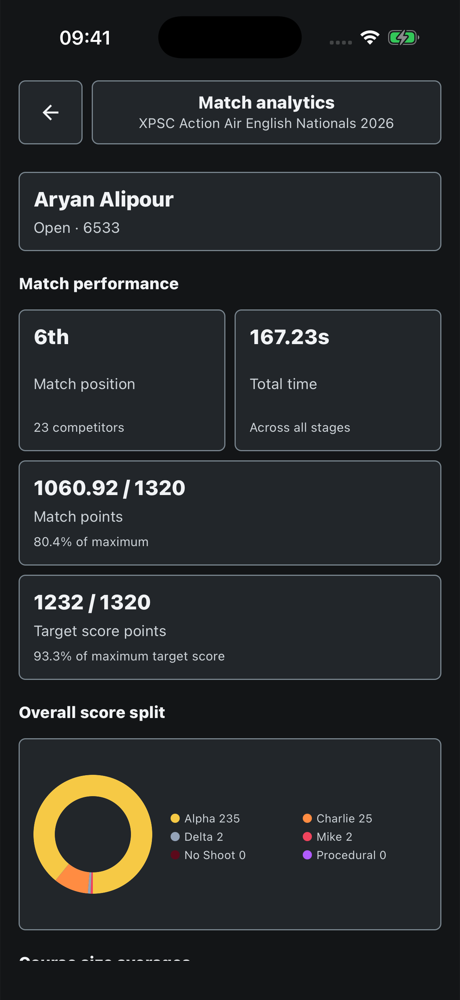
Match position, time, points and score splits in one view.
Sign in to browse the Match catalogue and upload a supported WinMSS CAB results export. Add prioritised names and aliases to your Competitor identity, then select the matches you want in your Analysis dashboard.
Review position, total time, match points, target score and score splits. Stage analytics adds hit factor and course-size comparisons. Comparisons keep disciplines and divisions separate.
Only upload results you are authorised to share. Catalogue results are shared; your identity preferences and selected matches remain private.
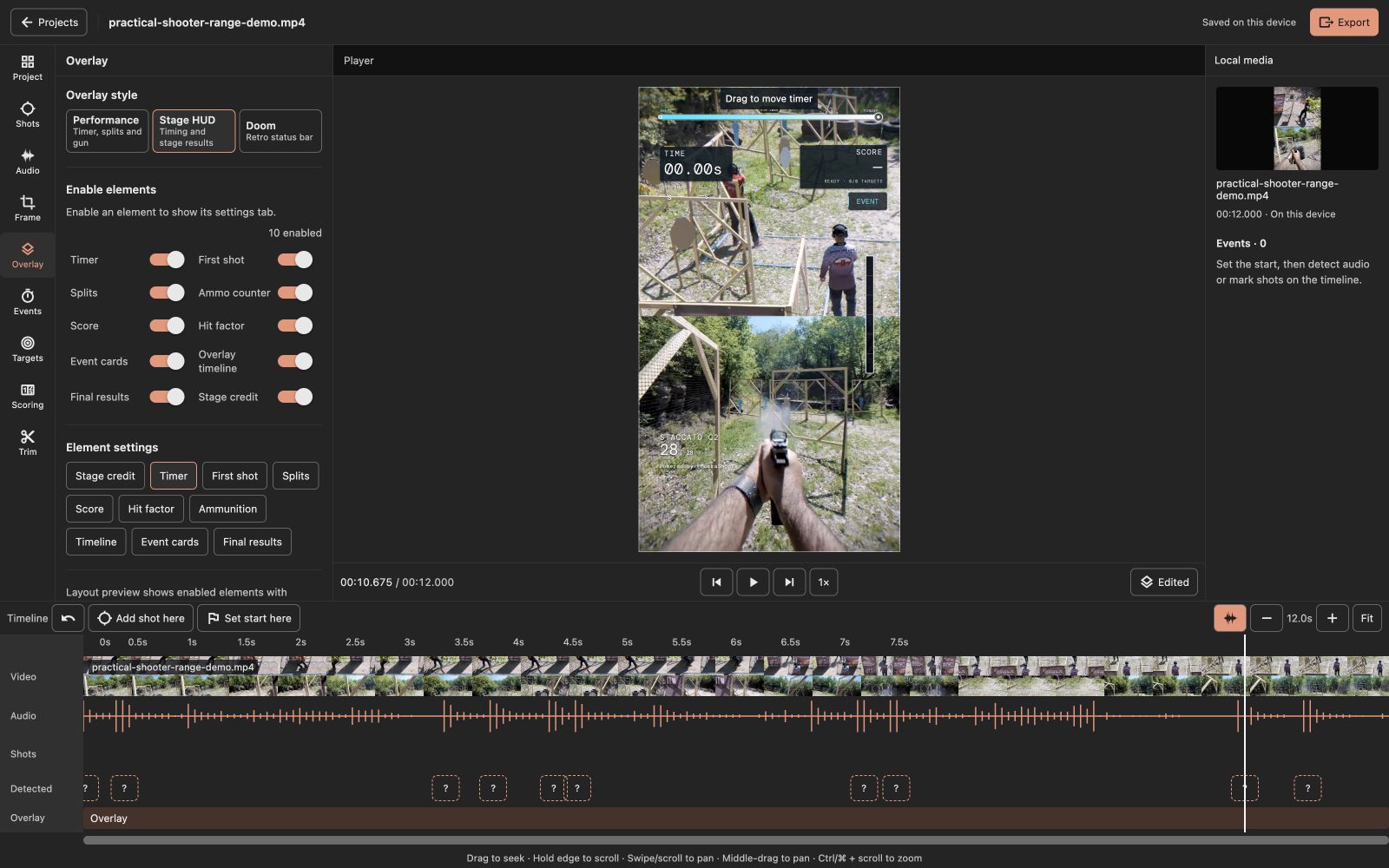
Edit your videos with overlays and on-screen analytics. Show timers, shot counts, first-shot times, splits, scoring and hit factor over your footage. Choose Stage HUD, Performance or Doom styling, enable the elements you need and adjust their colours and placement.
Trim clips and choose portrait, square or landscape framing. Review audio-detected shot and buzzer suggestions or place markers manually, then refine timings on the waveform timeline. On desktop, zoom and scrub the timeline or step through frames to check an exact moment.
Preview a five-second sample before exporting your edited MP4. Reopen saved projects on the same device, organise them into groups and reuse your overlay preferences for new footage.
The current video workflow is available to guests in the web app. Projects stay in this app or browser; they are not account-synchronised. Browser exports need supported video and audio formats; native audio and video features depend on a later app build.
Audio suggestions need review and cannot determine target scores. Enter scoring information yourself when using score overlays.
Choose the analytics you want on screen and customise their placement.
05 / SCORING
Hit factor calculator
Check your stage score with hits, penalties and time. No account needed.
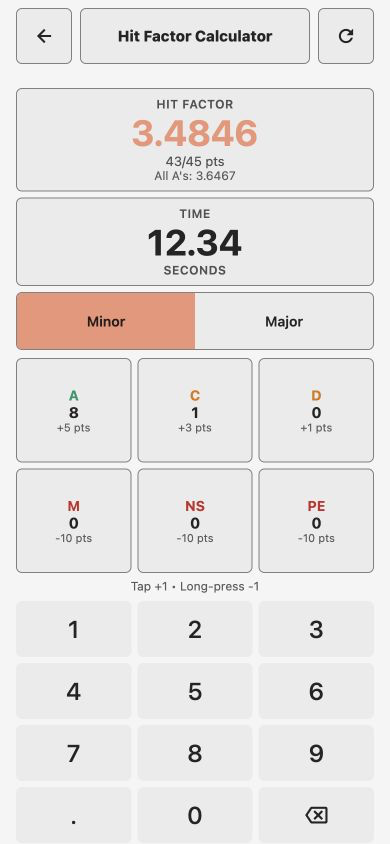
Example score: 43 points in 12.34 seconds.
Check your stage hit factor in the app. Choose Minor or Major power factor, add A, C and D hits, account for misses, no-shoots and procedural penalties, then enter your stage time.
See your points and hit factor update as you make changes, alongside an all-A comparison for the same time. Open Analysis → Calculator; it is available without an account.
06 / MATCH SCORING
Match verifier
Keep a private record of your match scoring. Requires sign-in.
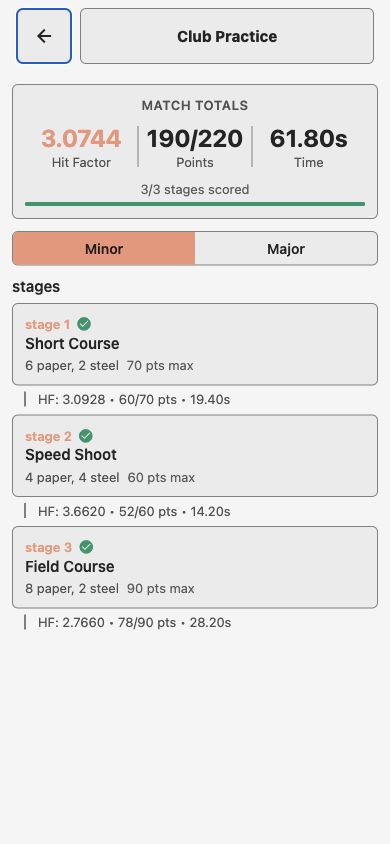
Example match and scoring data.
Keep your own scoring record across a match. Set up stages and target counts, choose your power factor, then record each stage's time, hits and penalties.
Review stage points and hit factors alongside your match totals. Save a scoring session and return to it as you complete the stages. Requires sign-in; your match setup and scoring records are private to your account.
07 / MATCH CALENDAR
Match calendar
Find upcoming matches and plan your season.
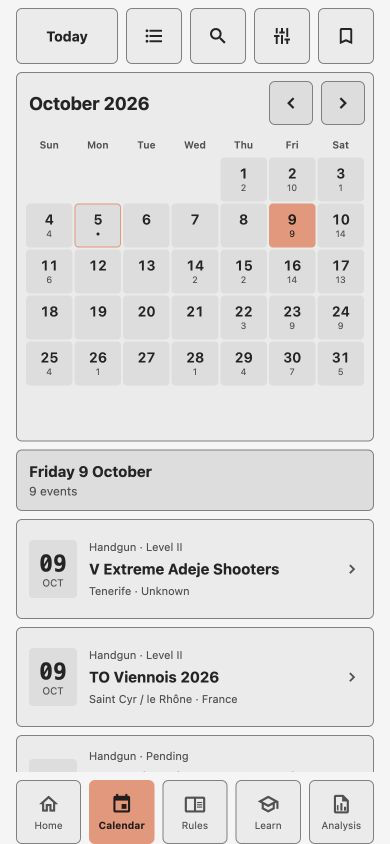
Explore match listings and filter your next event.
Find your next match in the IPSC events calendar. Explore month or list view, search and filter by country, discipline and level, save events and open organiser information. Coverage follows the available event listings; organisers remain the source for registration and schedule changes.
08 / LEARNING
Build on what you know.
Articles
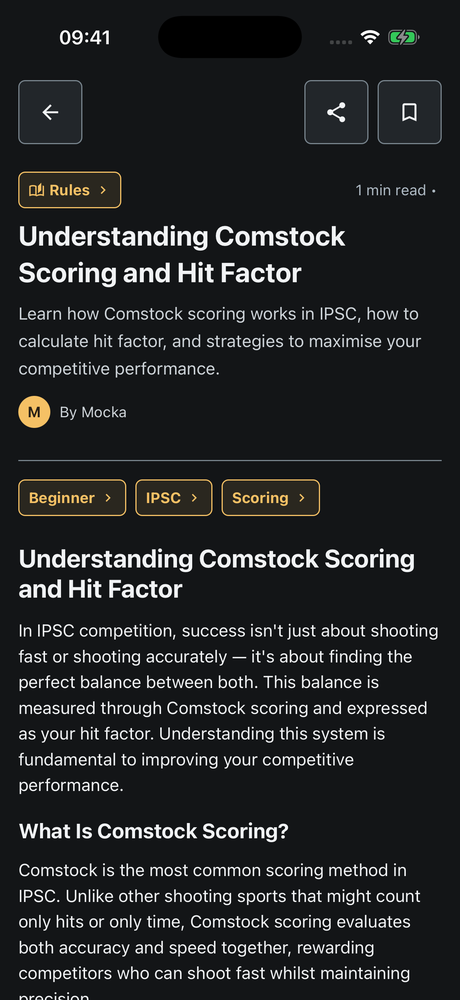
Explore practical shooting topics, search by title and filter by category, discipline or topic. Follow category and topic links into related reading. Articles are available to guests; sign in to keep bookmarks. Available content and language vary by source.
Read an article and follow related topics.
Quizzes
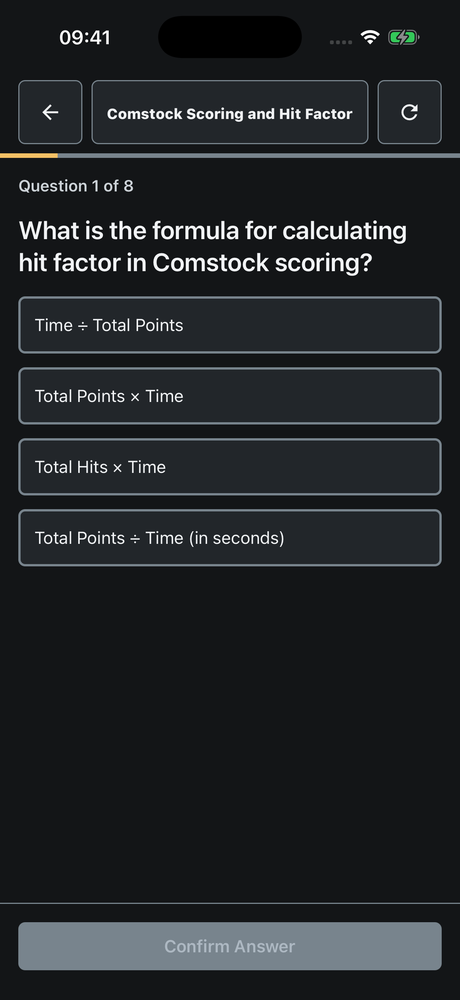
Requires sign-in. Choose from available topics, disciplines and difficulty levels. Resume unfinished quizzes, review answers and explanations, and return to previous attempts. Hide completed quizzes when you want something new.
Choose English (UK), Spanish, Portuguese (Brazil), French or German in Account → App Language, or follow your device language. The interface and a translated rulebook edition are separate: matching editions open in your selected language where available, with English source text in rule details. Articles and Assistant responses retain their available source languages.
Choose an app theme, adjust rule text size and switch between list reading and one rule at a time. Keep your place with Previous and Next controls.